
If your names are not appearing on your wedding website, this is usually due to a clerical error on the back end that needs to be corrected by one of our specialists.
What You Can Do Right Away
There is a simple workaround you can use to display your names on your website.
Please also reach out to your Group Leader Specialist to ensure your name is correctly listed everywhere it should appear.
-
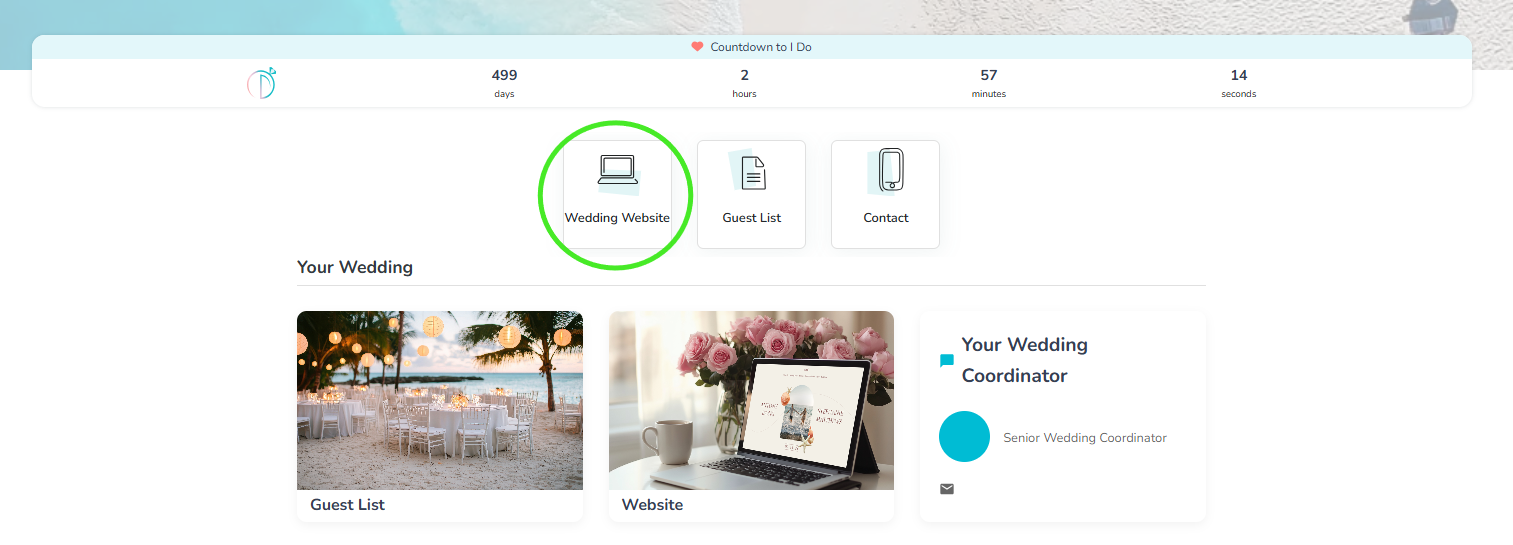
Log in to your dashboard. After logging in and accessing your homescreen, click the Square labeled Wedding Website
-
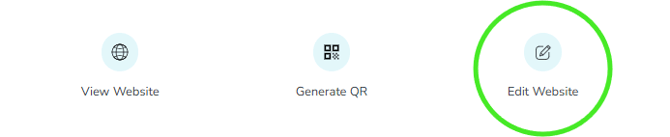
Navigate to the Edit Website page, located toward the bottom right corner of the screen.
-
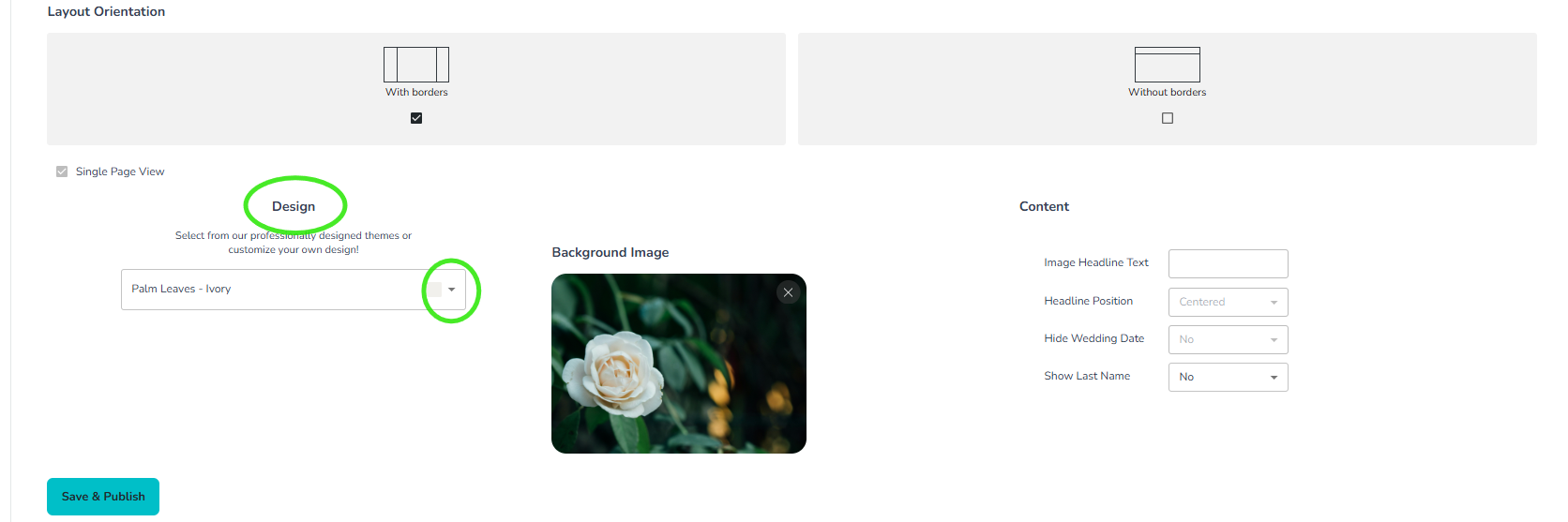
In the Design section, open the design template drop-down menu.
-
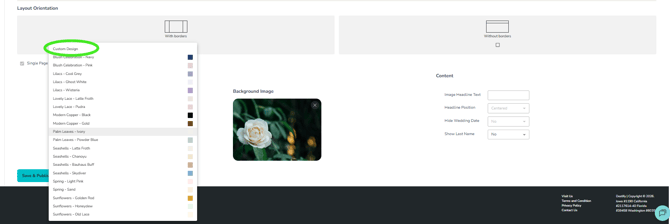
Select Custom Design from the top of the list.
-
Once selected, you will have access to the Content section to the right of the Design and Background Image.
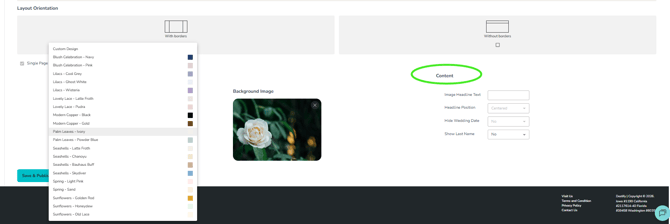
-
Locate the Headline Text Box, where you can manually enter your names or any text you would like displayed.
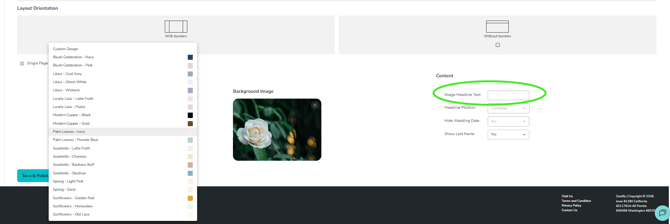
This allows you to bypass the issue and update the names on your site immediately. Please contact your Group Leader Specialist about this to ensure your names appear as they should.
Still need assistance? Here's how to reach us
- Contact us here, or for urgent requests, please call us at 844-948-3911
- Manage your booking details through your Dashboard