
How Do I Access the Wedding Website?
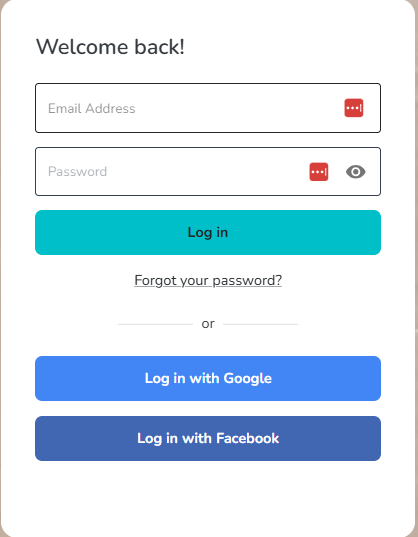
To access your wedding website, start by logging into your Destify dashboard.
-
Log in using the email address and password you used when creating your dashboard
Once logged in, you will be taken to your home screen. In the center of the page, you will see a box labeled Wedding Website. Select this box to continue.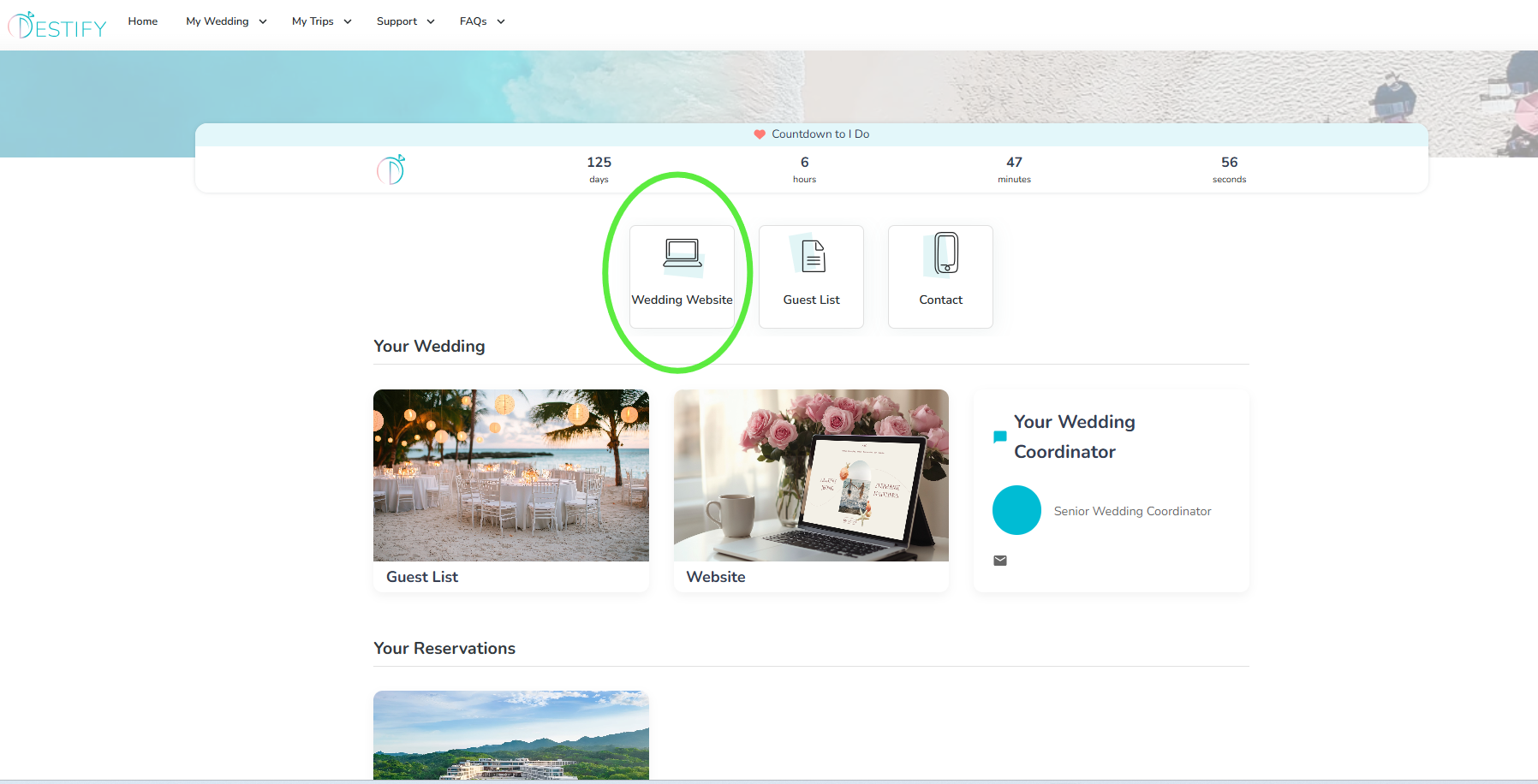
After selecting the Wedding Website box, you will see a preview of your site along with three options: View Website, Generate QR code, Edit Website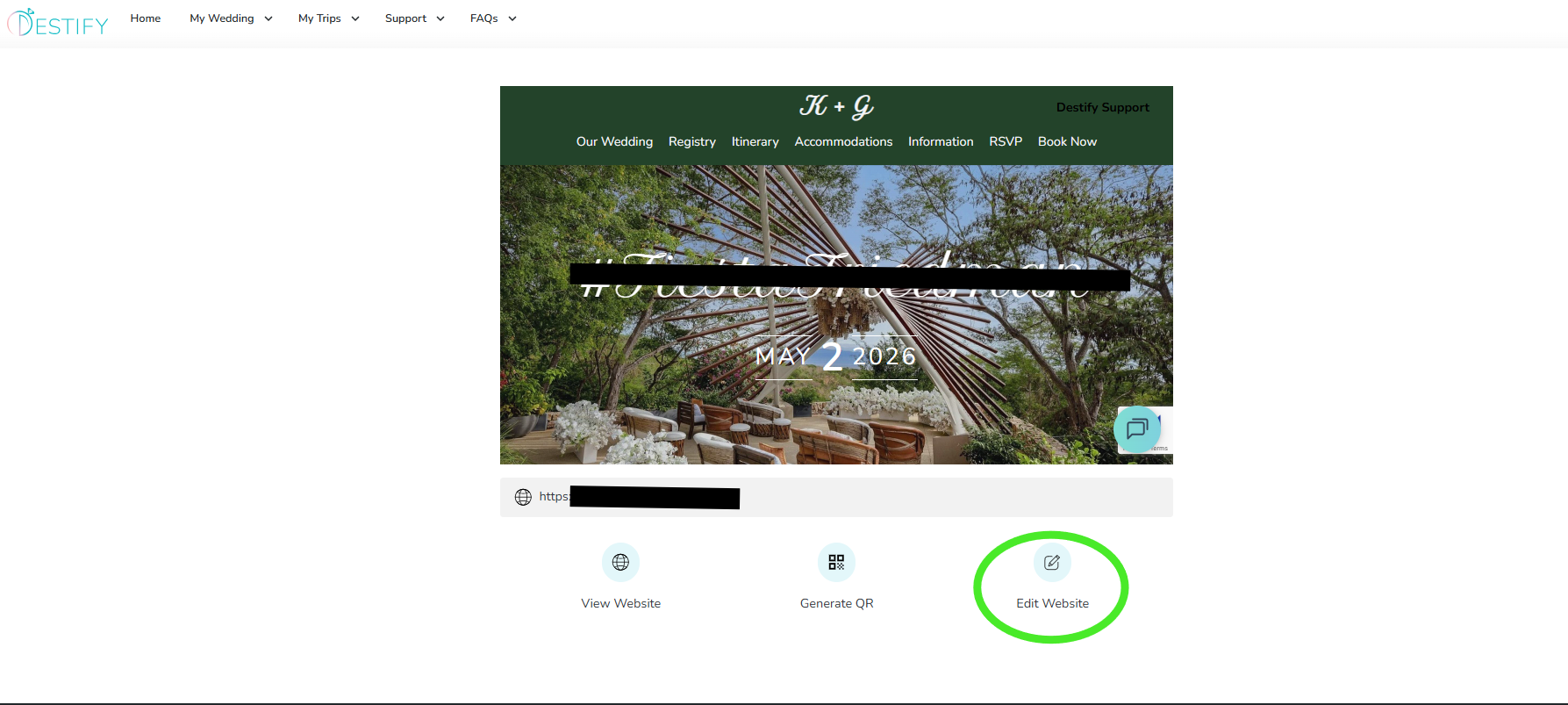
View Wedding Website
This opens your wedding website exactly as your guests will see it. It is recommended to view your site this way before and after making edits so you can review changes in real time.
Generate QR Code
This option creates a downloadable QR code that links directly to your wedding website. You can add this QR code to physical invitations or share it wherever you like.
Edit Wedding Website
This option allows you to make updates and edits to your website content. If you need assistance at any point, Destify Support is always available to help.
Still need assistance? Here's how to reach us
- Contact us here, or for urgent requests, please call us at 844-948-3911
- Manage your booking details through your Dashboard