
What Do I Do If I Forget My Login Credentials?
If you are unable to log in because you forgot your password, don’t worry. You can reset it in just a few simple steps.
Step 1: Use the “Forgot Your Password” Option
On the login page, select “Forgot your password?” located directly below the login fields. Follow the prompts to request a password reset.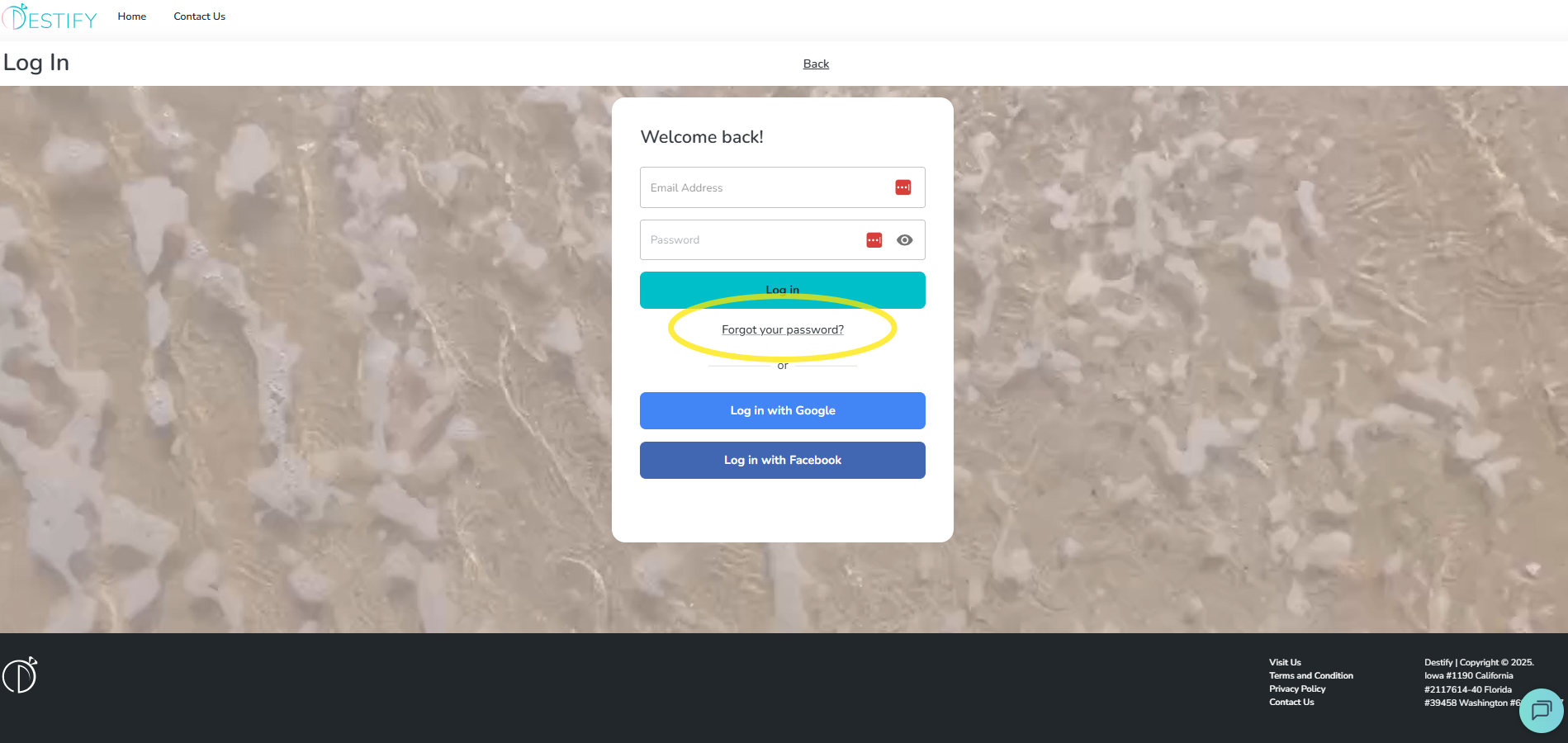
Step 2: Check Your Email
After submitting the request, a password reset email will be sent to the email address linked to your account. Open the email and follow the instructions to create a new password.
Step 3: Not Receiving the Reset Email?
If you do not see the password reset email, please check the following:
-
Make sure you are using the same email address that was used to create your account
-
Double-check that the email address was entered correctly
-
Check your spam or junk folder
- Make sure you are not connected to a protected network. Public WiFi or workplace networks may block password reset emails. If this happens, switch to your personal mobile data or wait until you can connect to your home network, then try again.
If the email address is correct and you still do not receive the reset email, please reach out to our support team for assistance.
Still need assistance? Here's how to reach us
- Contact us here, or for urgent requests, please call us at 844-948-3911
- Manage your booking details through your Dashboard