
Before you begin
- Your reservation is tied to the email you booked with.
- Note the exact error message on your screen. Each one has a different fix.
- Signed up with Google or Facebook? Use that same option to sign in.
Step-by-step instructions
1. Log in to your Dashboard
Go to your Dashboard and sign in with the email you booked with. If you signed up with Google or Facebook, use that same option.
2. Read the error message
Find which message you're seeing in the steps below.
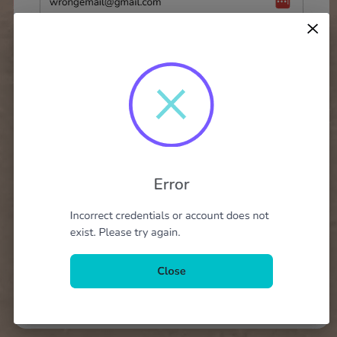
3. "Wrong credentials / Account does not exist"
The email or password doesn't match our records. Reset your password. If the reset email never arrives, you're probably using a different email than the one you booked with.
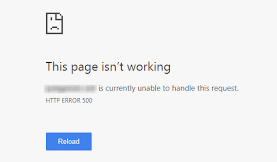
4. "HTTP 500"
This is usually a temporary issue on our side. Wait 15 to 30 minutes, turn off any VPN or switch networks, then sign in again.
5. "Unable to Log In, Please Try Again Later, or Contact Support"
Usually a browser cache or network issue. Clear your browser cache, switch to mobile data or your home network, then sign in again.
6. Still stuck?
Contact us or call 844-948-3911. Our team may already be working on a fix.
Logged in but don't see your reservation?
Your reservation is tied to the email you booked with.