
Step 1: Log In to Your Account
Visit the Destify login page at:
https://app.destify.com/log-in
Log in using the same email address you used when initially setting up your account and booking your room. Your reservation information is tied specifically to that email address.
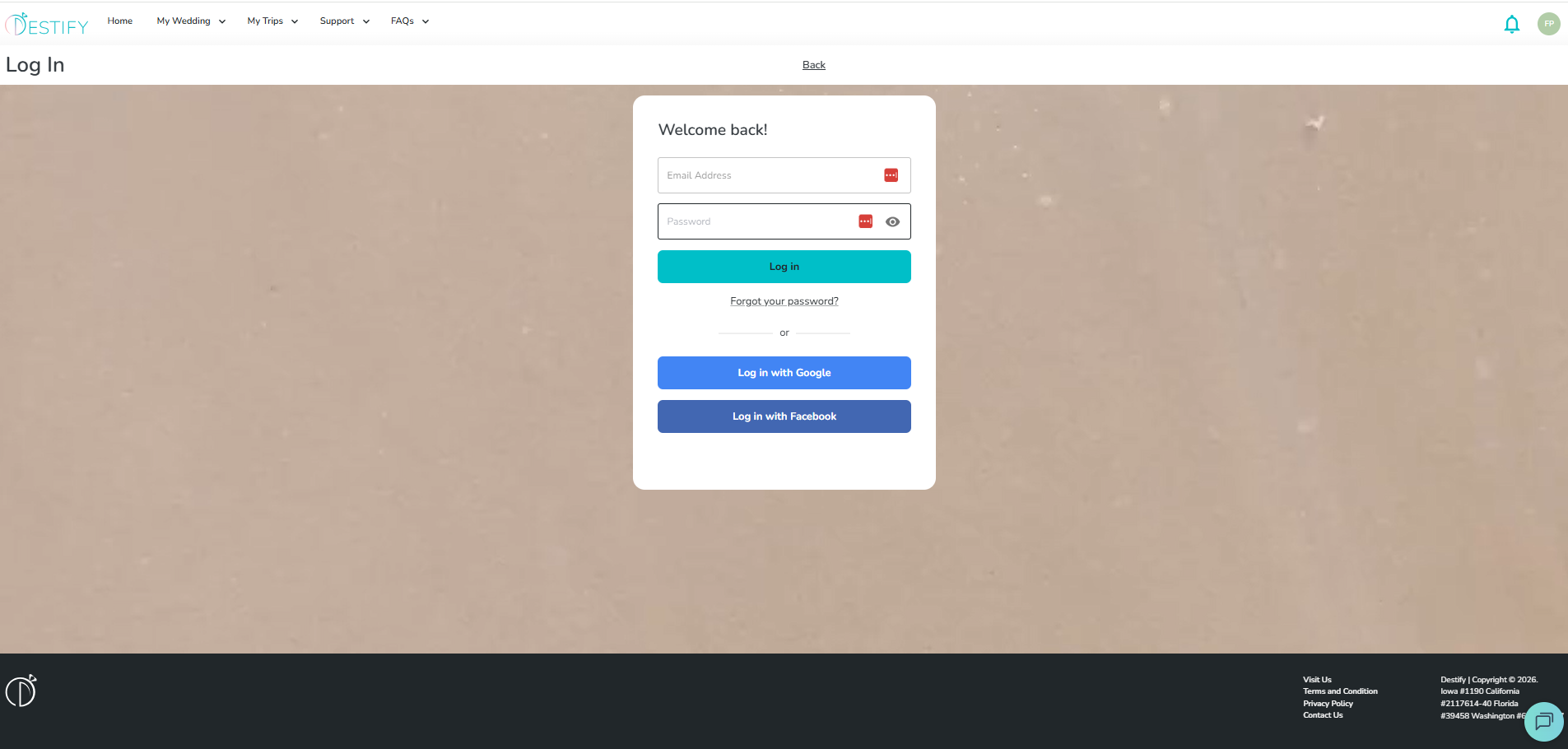
Important Login Reminder
If you enter a different email address, even if it belongs to you, the system will not be able to locate your reservation. To access your booking details, you must use the exact email address that was used when your dashboard was first created.
Step 2: View Your Reservations
Once logged in, you will be taken to your home page.
-
Look for the Your Reservations section
-
Your reservation(s) will be listed there
-
Click on your reservation to view full details about your stay
This is highlighted by the green circle in the screenshot below.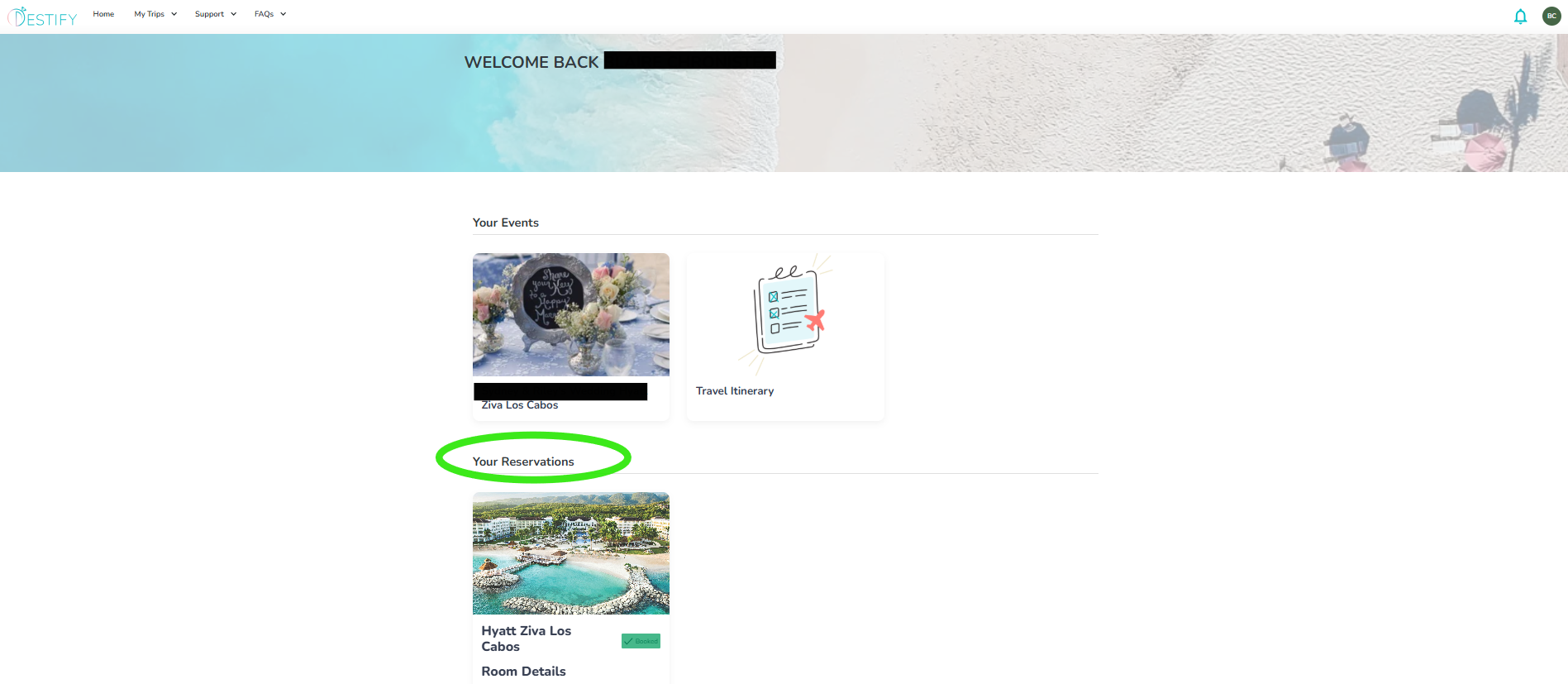
Trouble Logging In?
If you are having trouble trying to log in or don't see your resrevation information? Please review the articles below.
I forgot my login credentials.
Troubleshooting Login Issues
My Reservation Information Is Not Showing Up On My Dashboard.
Still need assistance? Here's how to reach us
- Contact us here, or for urgent requests, please call us at 844-948-3911
- Manage your booking details through your Dashboard